Perfect Diet Tracker | Linux screenshots

Linux Screenshots


The following screenshots were taken in Ubuntu.

The Perfect Diet Tracker works on most modern 32 bit versions versions of Linux.
stacks_image_7C182106-79A7-4EC2-B718-1C6C9694DF6D

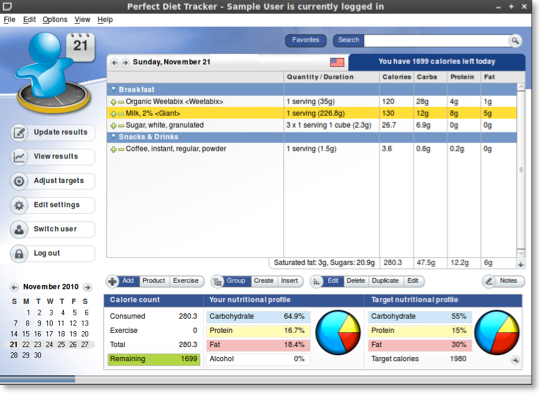
The main Perfect Diet Tracker food diary

stacks_image_7C10B434-FBDD-4EEE-BE97-6799B2409AE8

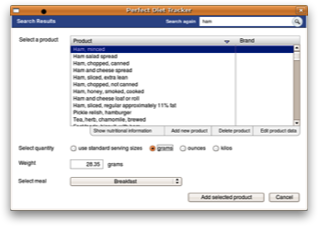
Search for a food product in the extensive database

stacks_image_9C54426C-3DE5-4EC5-8944-613CF1090446

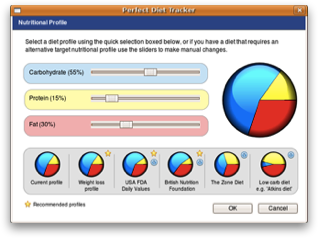
Set your own custom nutritional profile, or use a preset option

stacks_image_AF7BCB3E-93BD-4BF2-A557-76251314B56D

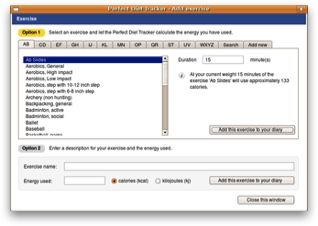
Add exercise / activity from database

stacks_image_C83BD492-9172-44E4-8E80-216ADDFFA407

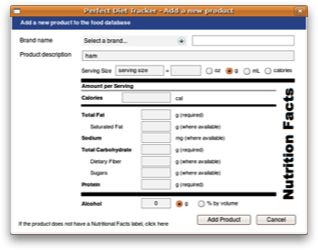
Add a new food product to the database (United States & Canada)

stacks_image_7DDE6887-A5D3-4918-B8E7-489D1682785D

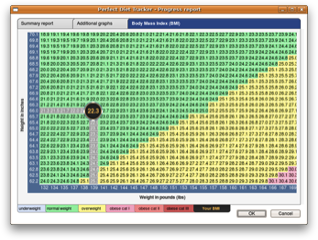
Track your progress

stacks_image_6D99E997-C4BA-48B6-8D89-A1982346622A

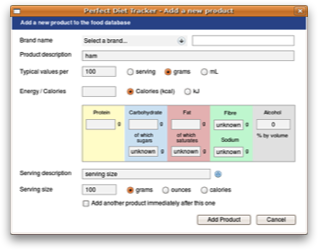
Add a new food product to the database (Global)

To view more screenshots of the Perfect Diet Tracker for Linux, why not download the free trial version?

Current customers


Check you have the latest version or request a replacement key.
Upgrade your diet software
Request a new activation code
News & articles

Do you have any suggestions for improvements?
Contact us

Can we help?


Visit our online help section to view frequently asked questions and answers.
Online software help & support
Getting started with the diet tracker
Using the daily diary
Monitoring your weight loss
Bookmark and Share